
What are sets and why could I need them? #
Within the context of the WXP Restaurant Menu plugin a ‘set’ is a set of menu-items you could want to use together. And a ‘Set’ is closely related to the use of the ‘Menu Selection’ widget, shortcode or block.
The complete use of the Menu Selection widget will be explained later in this documentation, but the use of it is to present a number of menu items on special places on your webpages.
I’ll show it using Elementor Widgets, but using it with Blocks or Shortcodes works pretty much the same.
First you have to find the Menu Selection widget in Elementor. Like all WXP Widgets it’s situated in the WXP Plugins section.
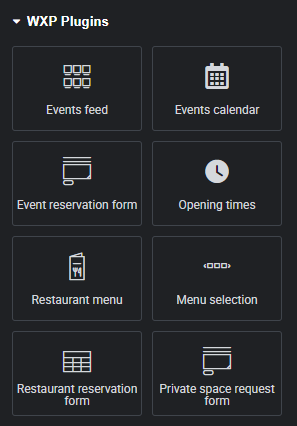
When you drag it on your canvas, it will look like this:

Not the most interesting view, is it?
So let’s take a look at the tool palet on the left site of the screen while the Menu Selection is selected.
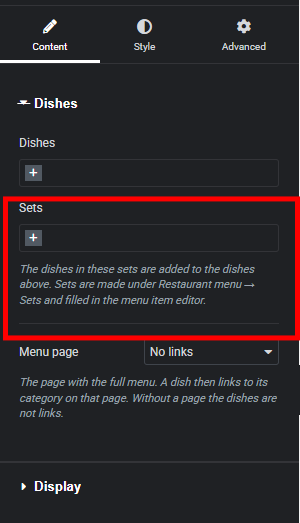
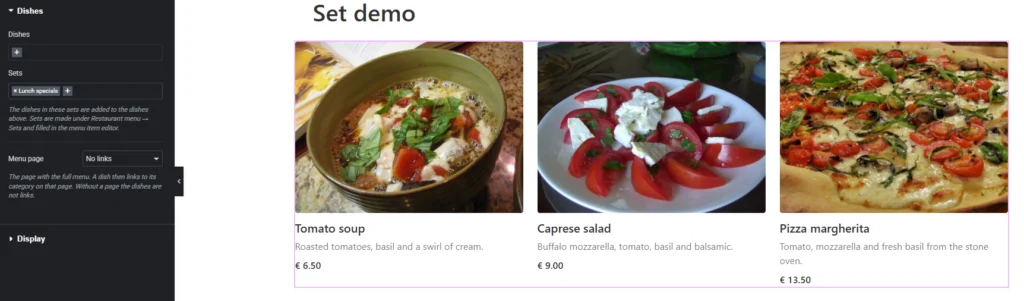
One of the attributes here is ‘sets’. When for example I chose ‘Lunch Specials’, from the sets (after pressing the + to do so) the widget suddenly shows some suggestions for lunch. Like you see in the image below.
How to define sets? #
Actually ‘defining sets’ is quite easy. When you start with the plugin the ‘Menu Sets’ most likely will empty. You just have to hit the button ‘Add New Menu Set’
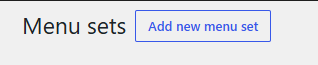
and the pop up below will show:
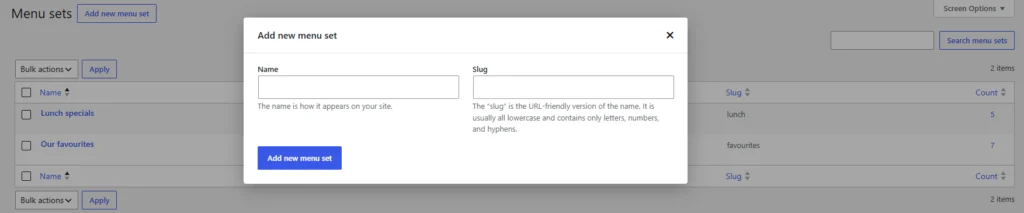
The only thing you really have to enter is the name, since the ‘Slug’ will be generated by the system, if you won’t enter a value for it.
When you want to edit an existing set, you just click it on the page. A now page with the set-data will show.


