
Add-on for WXP Local Events
Let guests pay for event tickets online.
WXP Local Events for WooCommerce sends guests who reserve straight to the WooCommerce checkout, and confirms the reservation when the order is paid.
Features
From reservation to paid ticket
Everything a paid event needs, built on WooCommerce.
Pay online with WooCommerce
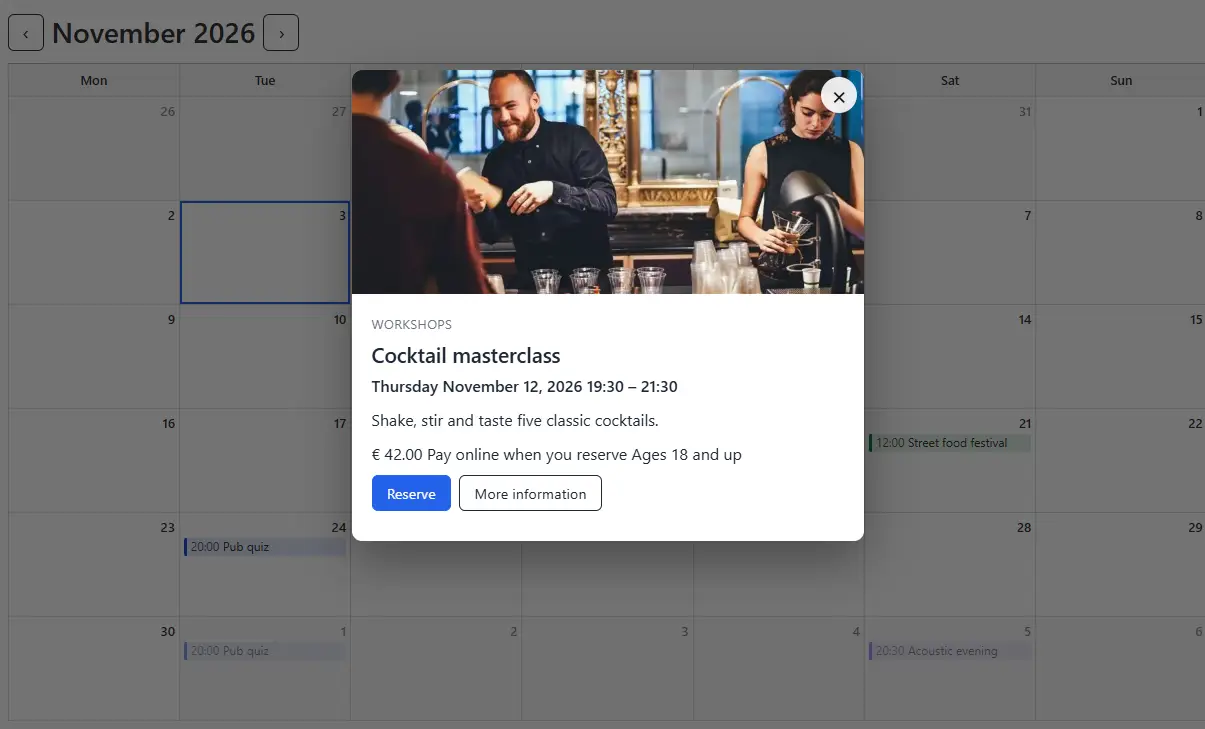
Switch a paid event to online payment. A guest who reserves goes straight to the WooCommerce checkout.
Your WooCommerce, your rules
Payment methods, taxes and coupons stay WooCommerce settings. The add-on adds nothing to set up there.
Seats held while paying
A reservation holds its seats for as long as WooCommerce holds stock. Unpaid ones are released and the order is cancelled.
Paid means confirmed
When the order is paid, the reservation is confirmed and the guest and the venue get their e-mails. Events with approval wait for you.
Refunds free the seats
A cancelled or refunded order cancels the reservation, so the seats are free again. Paid or waiting shows in the reservations list, with a link to the order.
Hidden ticket products
One hidden WooCommerce product per event, not in your shop or the search results and set to noindex. A repeating event needs no extra products.
Pricing
Add it to your order
Buy it together with WXP Local Events for a small extra charge, or get it included in a bundle. It needs WooCommerce.
WXP Local Events for WooCommerce
Add-on
added to your WXP Local Events order
✓ Included in all bundles
✓ Needs WXP Local Events and WooCommerce
✓ Support through this website
FAQ
Questions and answers
What venue owners ask about paying online.
Start taking payments for your events
Add it to your WXP Local Events order and switch it on per event.